Loading
Geofencing
Turn site arrivals into usable events.
Know when a vehicle entered, left or moved after hours.
Define boundaries for depots, customer sites and operating areas, then connect entry and exit events to the vehicle and the person who needs to act.
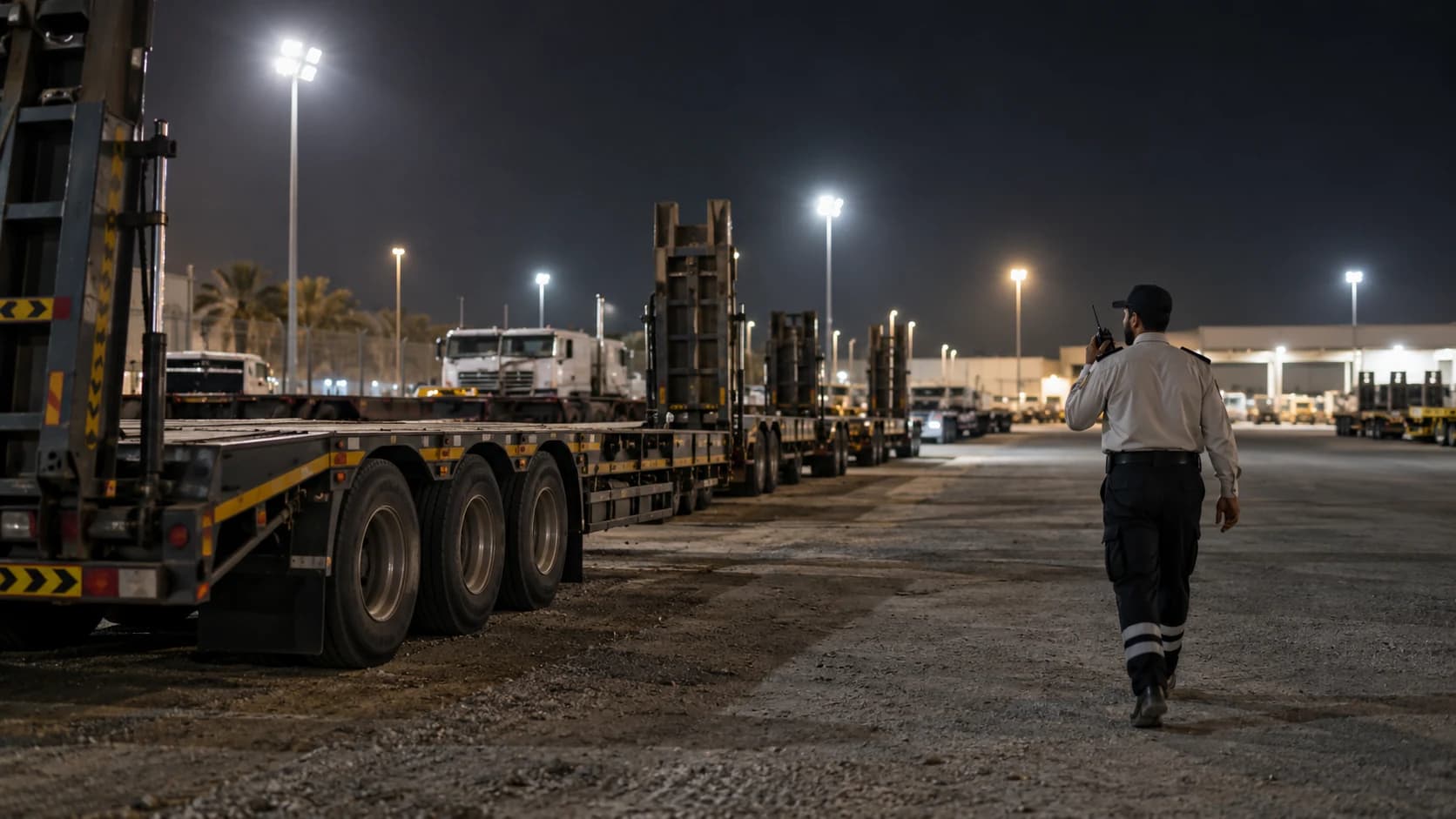
A boundary is useful when it answers an operational question.
Zones
Draw boundaries around the places that matter.
Create a boundary around any place that matters to your business, from a depot or quarry to a customer's yard or a specific route.
- Create zones in any shape you need.
- Create route corridors as well as site zones.
- Name and group zones so alerts are easy to understand.
Alerts
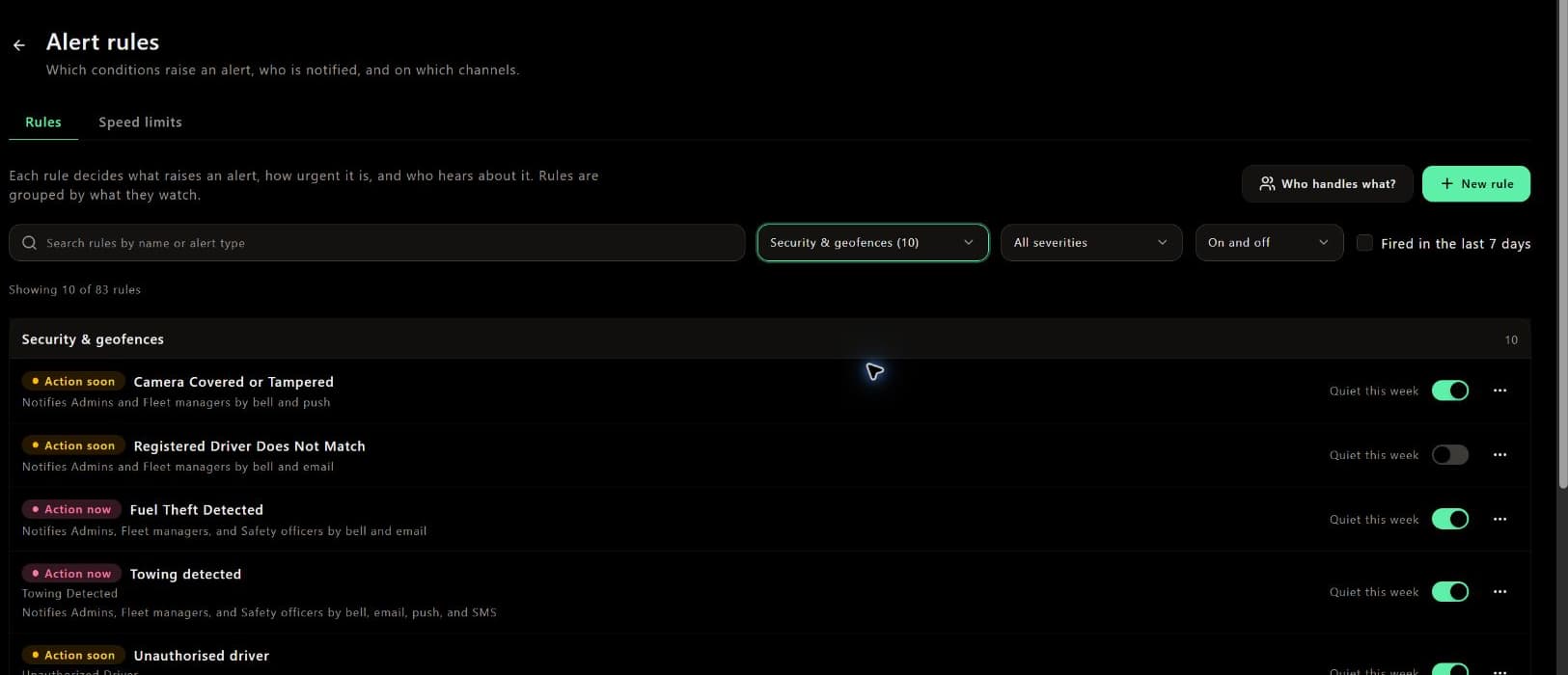
Send arrival or after-hours movement to an owner.
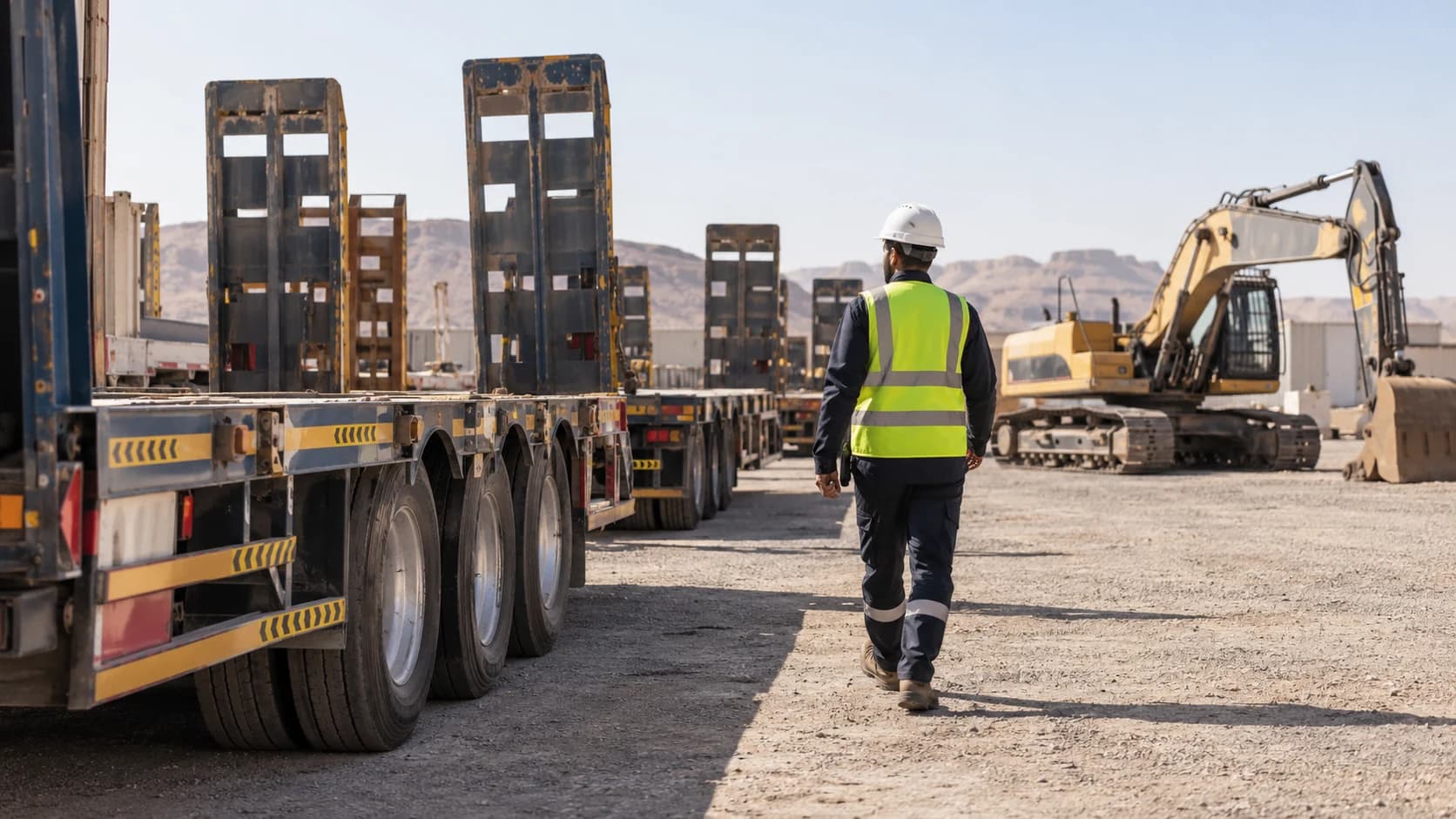
Set working hours for each zone. Normal movement during the day stays quiet, while unexpected movement at night can trigger an alert.
- Get entry and exit alerts in real time.
- Set working hours for each zone.
- Send alerts to the person responsible for handling them.
Time on site
Measure time on site from recorded events.
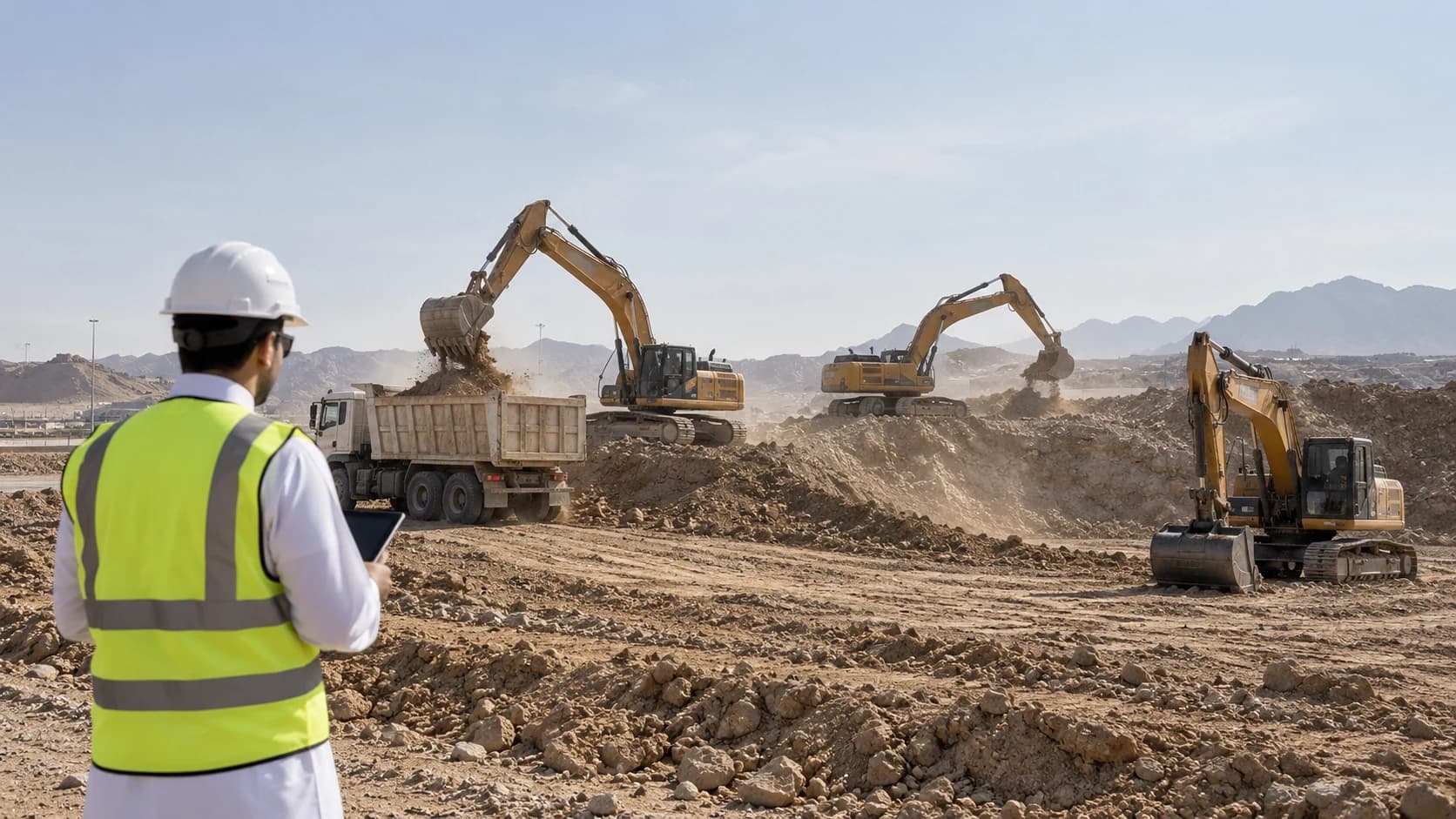
See how long each vehicle spent at each site and on each visit. This helps you find delays, compare sites and use real numbers for billing.
- Measure actual time spent at each site.
- Compare time across sites and drivers.
- Use site time for job costing and customer billing.
Related capabilities
Geofences
Draw a site or a route corridor and be told when something enters or leaves it.
Live map
Every vehicle, driver and asset on one map, updating as they move.
Idling
Engine running, vehicle not moving — separated from productive idling in the heat.
Asset pairing
Which trailer, which truck, which driver — resolved automatically.
Trailers and plant
Unpowered assets tracked on their own, and paired when they are towed.
API access
Your data out of the platform and into whatever else you run.
Showing all 6 capabilities.
Related reading
- Guide
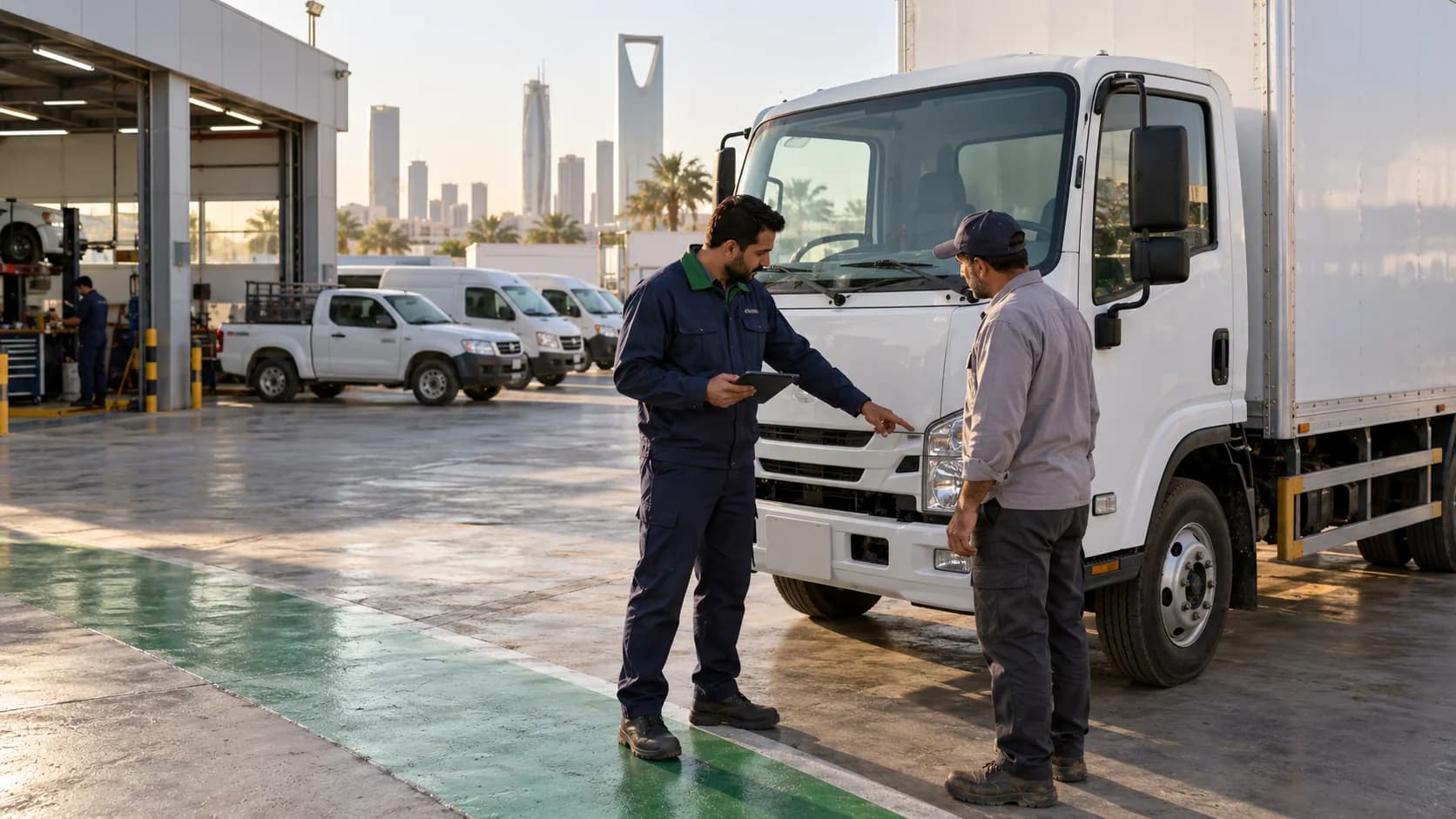
Fleet management in Saudi Arabia, made simple.
What a Saudi fleet needs to manage — regulations, paperwork, fuel, and people — and where a system can help.
Guide - Guide

Wasl, made simple.
What Wasl registration is, who needs it, what the Transport General Authority requires, and what it means for fleet operators day to day.
Guide - Calculator
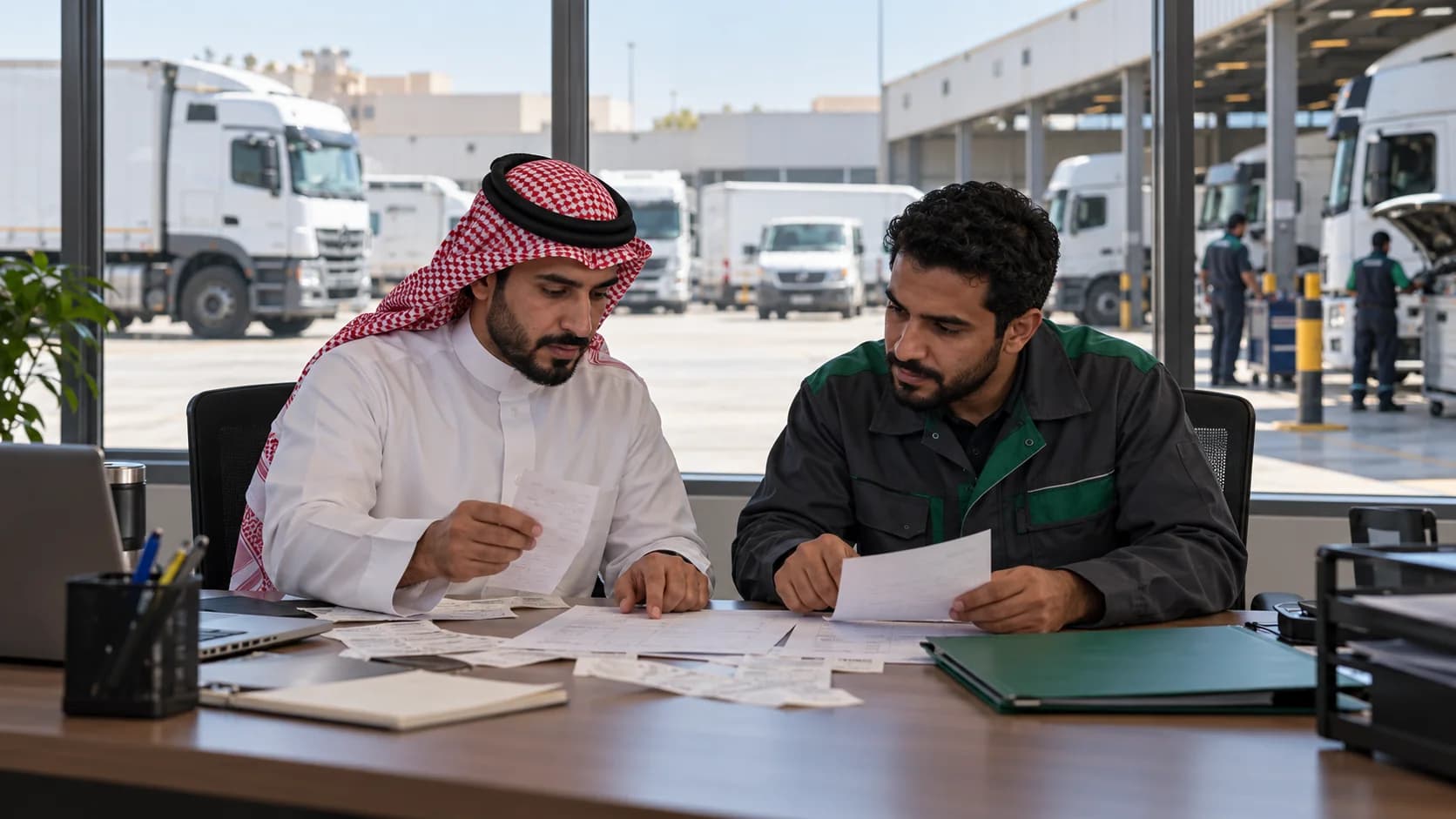
Estimate what your fleet could save.
Start with an illustrative 10-vehicle example. Replace the fuel, repair and repeat-work inputs with your own to explore operating savings and hours returned.
Calculator
Frequently asked questions
A fleet protected, visible, compliant, and profitable.
Tell us what you run and where, and we will show you the platform against your own operation rather than a demo fleet.