A geofence becomes useful when crossing its boundary changes what someone does. It might tell dispatch that a vehicle has reached a customer’s receiving area or help identify waiting at a depot. Without an expected action, the alert is another message competing with work that already needs attention.
Start with a specific question: did the vehicle reach the right entrance, how long did it remain inside, or did it leave after loading? Choose one purpose before drawing the area. Arrival, waiting and completed delivery are different events. A single boundary cannot reliably turn all three into the same status.
Draw the boundary around the actual task
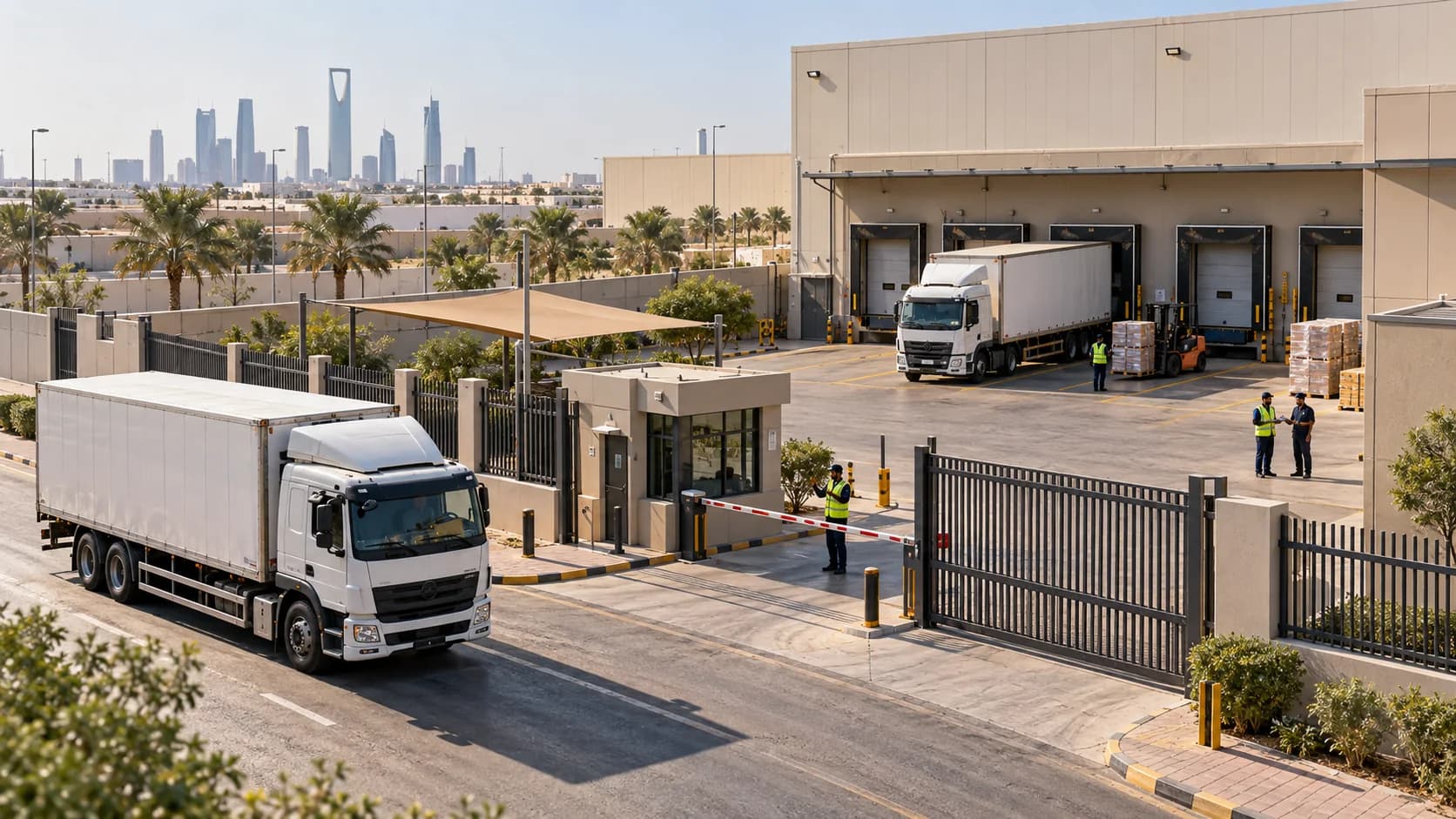
Map the actual operating area, including the appropriate gate, yard or waiting zone. A circle around a postal address may include a public road or neighbouring facility. Use the boundary shape your system supports and inspect it against the site layout. Account for entrances that are used differently by trucks, vans or equipment.
For an illustrative depot, a vehicle passing the road outside should not produce the same event as entering the loading yard. An unnecessarily wide boundary can start waiting time too early; one drawn too tightly can miss normal movements. Check samples of real visits and confirm the intended area with someone who knows the site rather than relying only on satellite imagery.

Define the event and its owner
Define what triggers the event: entry, exit, time inside, or a combination. Set dwell requirements according to the task and observed data, not a universal threshold. A brief location jump should not create a customer-arrival notice. Likewise, a long visit may be planned loading time rather than a delay; the schedule and site procedure give it meaning.
Name the recipient and expected response. If a depot visit exceeds the agreed internal review threshold, who checks the loading status and contacts the next customer? Specify a safe communication procedure and avoid asking drivers to respond while moving. Route routine events to a review view where possible, reserving interruptions for matters requiring action.
Test the rule in normal conditions
Test with several ordinary visits, including a short stop, a long stay and a nearby pass-by. Review device reporting frequency, connectivity and GPS quality. Some events may arrive after the visit rather than in real time. Keep that distinction visible if dispatch will use the alert to make a live decision or promise an arrival time.
Adjust the rule when tests reveal repeated false events or missed visits. Change one relevant setting at a time and review the result. Record the boundary version and reason for adjustment so historical comparisons remain understandable. A site’s new entrance or changed loading arrangement can invalidate a formerly useful rule even when the software has not changed.
Review exceptions before drawing conclusions
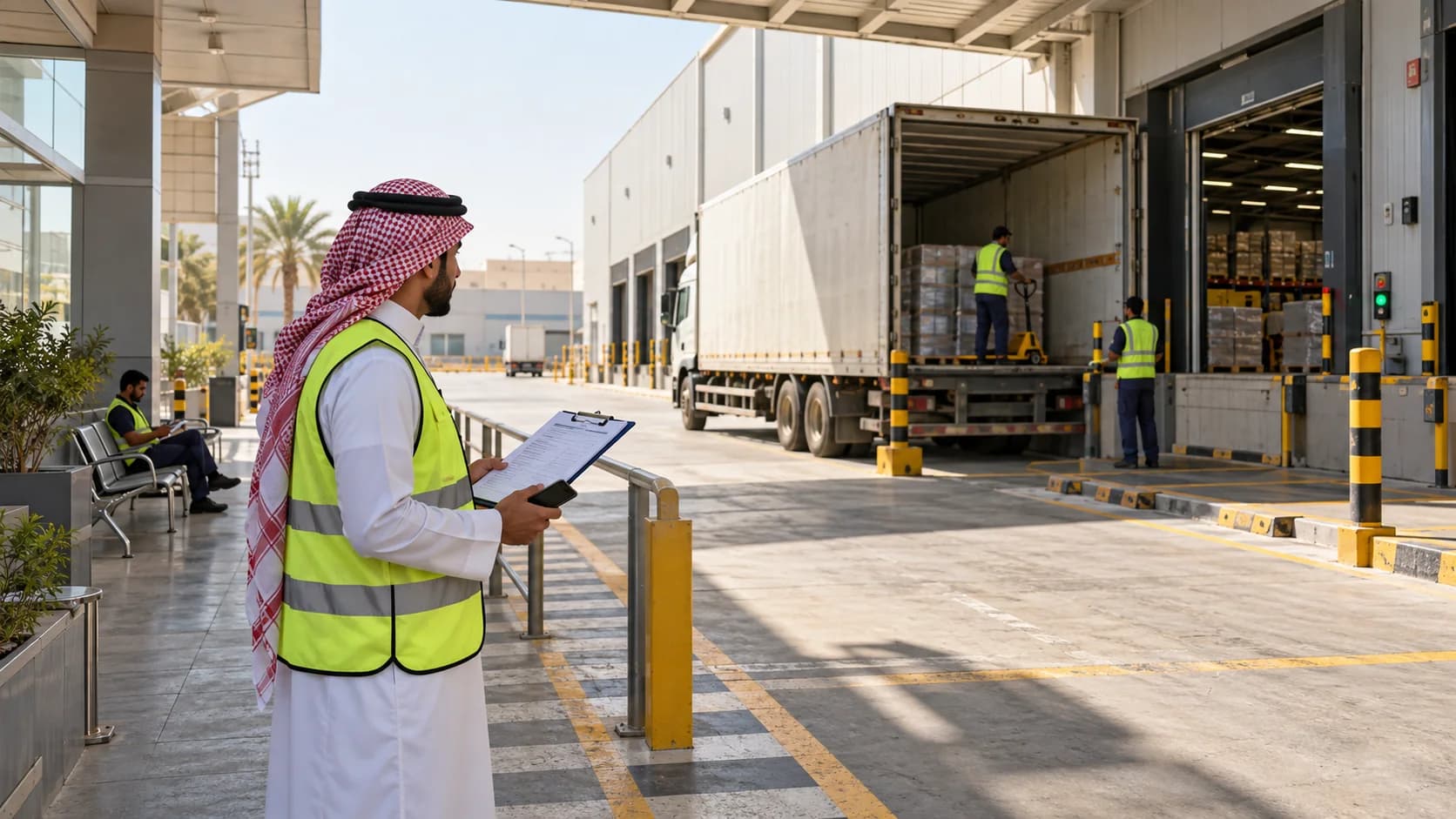
Treat an unexpected event as a prompt to check, not proof of misconduct. A missing arrival might reflect the wrong assignment, delayed data or a boundary issue. Compare the job record, available location history and driver’s report. A geofence entry supports presence; delivery completion needs the evidence agreed for that job.
Review repeated waiting with the customer or site team. Separate arrival, queueing, loading and release where your records allow it. Avoid attributing every minute inside the boundary to driver delay. If several vehicles face the same queue, changing arrival appointments may help more than sending more reminders to individual drivers.
When evaluating geofencing in AlphaFleet, use one real depot and one customer site. Ask how boundaries, dwell rules and responsibility can be configured and how delayed data is shown. A good rule gives the team a useful next action while respecting the limits of location evidence. If nobody can explain the action, reconsider whether the alert is needed.